
The Solo Founder Tech Stack for 2026: What to Buy, Build and Skip
The solo founder tech stack for 2026 is short: build only the product, buy everything that is not the product (payments, auth, email, hosting, the back office), and skip anything built for a team you do not have yet.
By Founders360 Team
The solo founder tech stack for 2026 is short: build the product, buy everything that is not the product, and skip anything designed for a team you do not have yet. That single rule sorts almost every tool decision a solo founder faces, and it is the rule most of them break, because building is more familiar than buying and buying feels like spending. Below we walk the categories in that order, name the well-known tools in each, and explain where our own stack broke so you can avoid the same mistakes.
We do not list prices. Tool pricing changed repeatedly through 2025 and 2026, and a number printed here would be wrong within a quarter. Where we describe a tier we say "as of September 2026" and you should check it yourself.
The one rule: buy anything that is not your product
A solo founder has limited productive hours each week, and time spent on infrastructure that a vendor sells for a subscription is time taken from the core product. Ask whether a customer would notice if a feature were built in-house. If the answer is no, buy it. Infrastructure components fail that test because customers care about solving their problem, not custom login systems.
The exceptions are narrow. Build it yourself when the category is the product, when a vendor locks your core data, or when integration costs more than building.
The corollary is that "skip" is a real category. A solo founder does not need a ticketing system, a data warehouse, a design system, a mobile app or container orchestration in year one. Those exist to coordinate people, and there is nobody to coordinate. Our 30-day MVP plan makes the same argument about product scope; this piece makes it about tools.
Build: the product, on the framework you already know
The correct framework is the one you can already ship in, because setup time is the only cost you control and it compounds. If you do not have a preference, pick whichever framework has current tutorials for your kind of product, and do not revisit the decision for a year.
Three choices that follow from the framework are easier than founders make them:
- Database. PostgreSQL, hosted. Managed options remove operational work, while SQLite works locally.
- Hosting. A platform that deploys from a git push. We run a React front end on Vercel and a Django API on Railway, where a git push to the main branch is the whole deploy.
- Tests. A pre-push hook that runs the suite locally and blocks the push when anything fails. We run about 1,140 backend tests this way, and the hook also blocks a push if the number of collected tests drops, because a broken import once silently dropped hundreds of tests while the survivors passed green.
One lesson from running two services worth stating plainly: a kill switch must live on the process that acts. Our outbound email program runs on a separate cron service with its own environment variables. We once set the "require human approval" flag on the API service instead of the cron service. It looked like it worked, and the cron sent a cold email to a program director who was supposed to be reviewed first. If you split your product into two processes, verify every flag by reading it back from the process that uses it.
Buy: payments, auth, email, monitoring and analytics
These five categories are solved. As of September 2026 each tool below offers an entry tier.
| Category | Well-known tools | Solo founder note | |---|---|---| | Payments and subscriptions | Stripe, Paddle, Lemon Squeezy | Paddle and Lemon Squeezy act as merchant of record and handle sales tax; Stripe gives more control | | Authentication | Clerk, Auth0, Supabase Auth, or your framework's built-in auth | Built-in auth is enough until you need social login or SSO | | Transactional email | Resend, Postmark, SendGrid | Verify your sending domain on day one; a hard bounce hurts the domain reputation you will need for sales email later | | Error tracking | Sentry, Bugsnag | Turn on the free tier before launch, not after the first outage | | Product analytics | PostHog, Plausible, Mixpanel | Plausible is enough for marketing pages; PostHog or Mixpanel when you need per-user funnels |
A caution on email that cost us a lesson: a test run must never reach a third party. Our test suite once called a real lead-capture function while a developer environment carried a live email API key, and it sent lead notifications to our own inbox and a welcome email to a fixture address at example.com, which bounced against the same domain our B2B outbound program sends from. Every send in our code now funnels through one function that is forced off whenever the test runner is loaded. Do the same on the day you add the email vendor.
Buy: the company back office
The back office is where an early mistake costs the most to unwind. Incorporation, banking, accounting, cap table management and electronic signatures are all buy decisions. Standard tools exist for each category, and setting them up early matters more than which vendor you select.
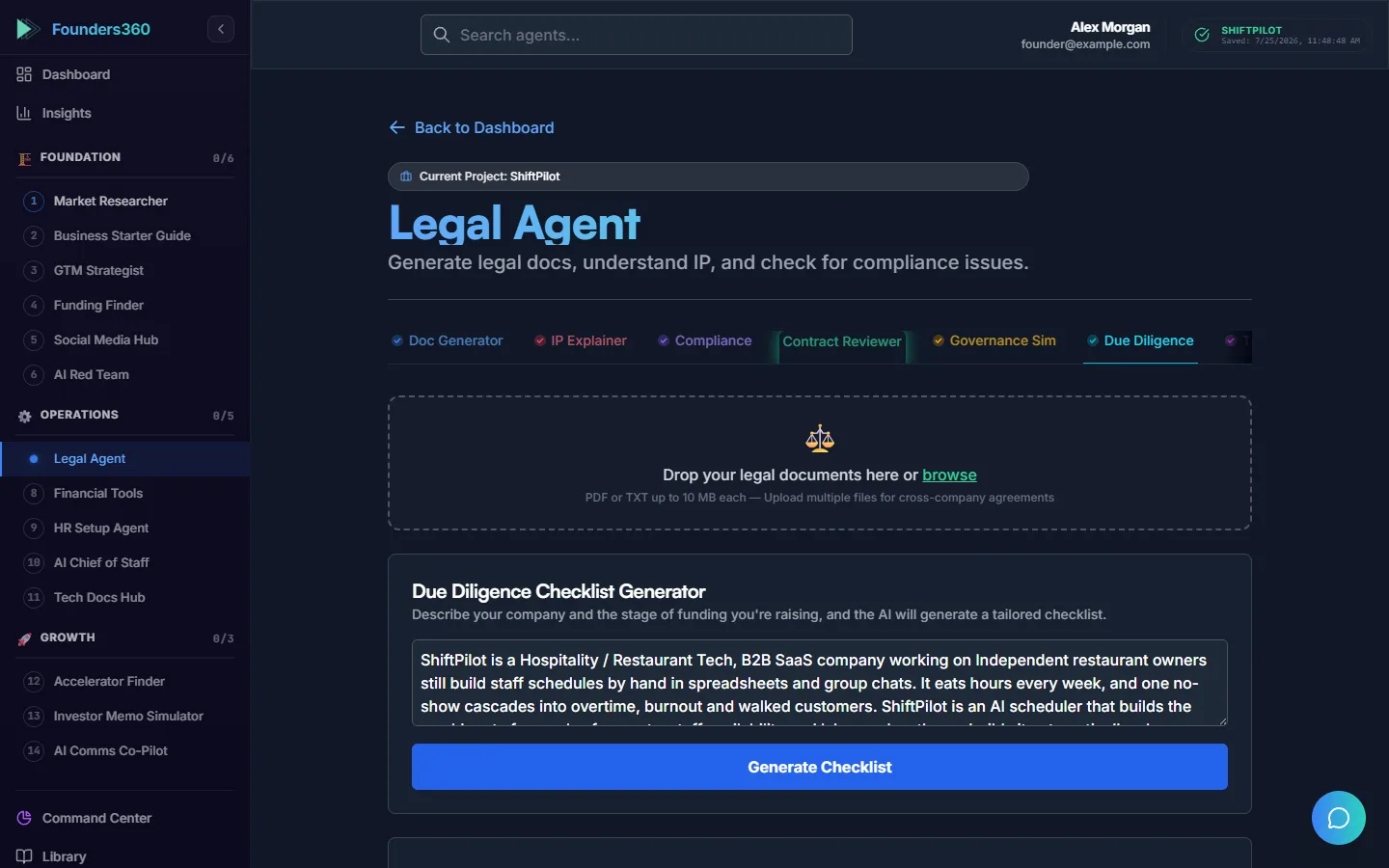
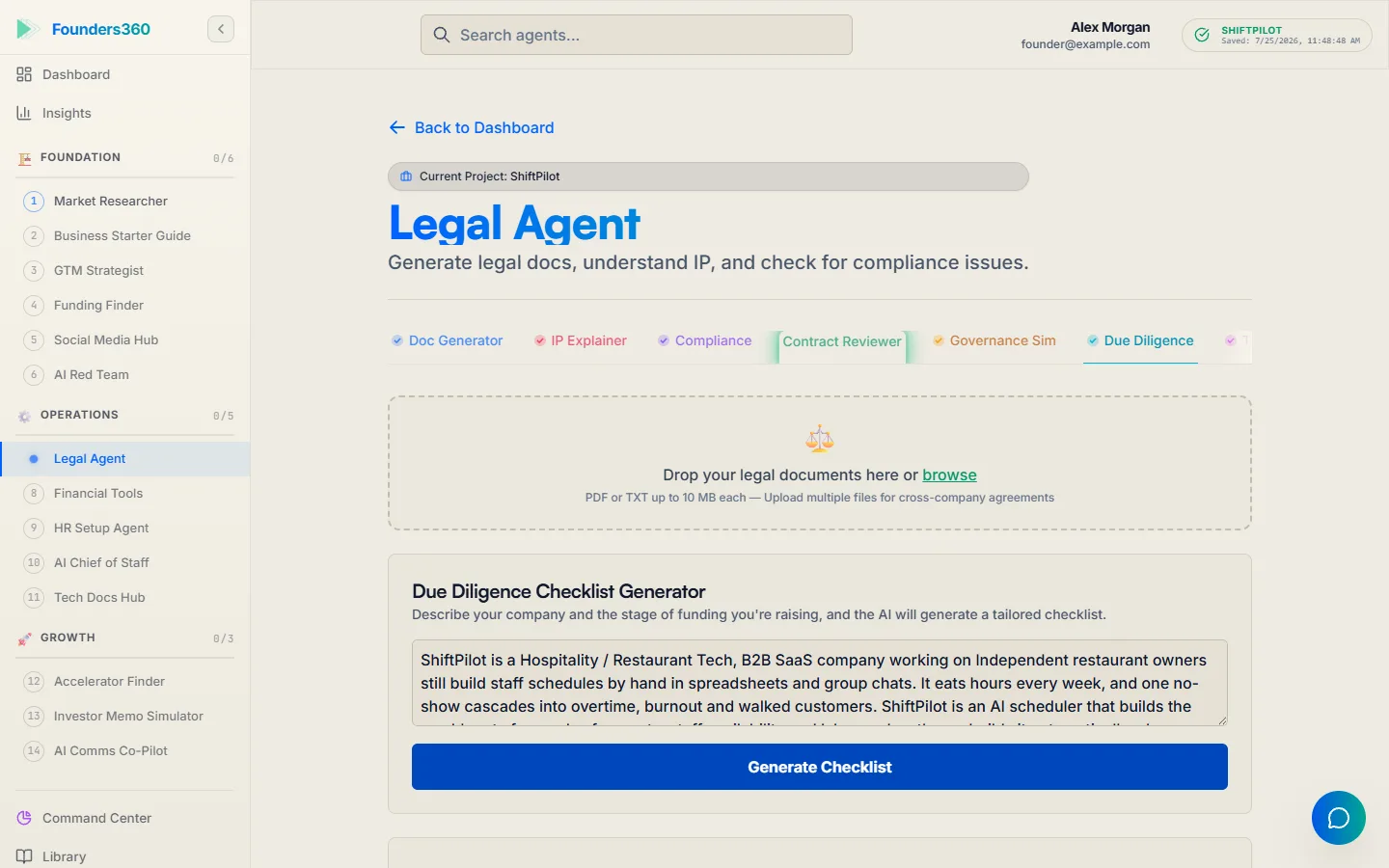
What the back office vendors do not do is tell you what to decide. They execute a choice you have already made: which entity, which state, how much option pool, what vesting for a co-founder who has not joined yet. That is where a guided layer earns its place. In Founders360, the Legal agent drafts the incorporation checklist and the co-founder agreement, the Financial Tools agent builds the first model, and the HR Setup agent produces the first-hire paperwork, and each one writes its outputs into Shared Context so the next agent starts from the decision rather than from a blank page. Our guides on incorporating without a lawyer and the first-hire HR checklist cover the decisions themselves.
The AI layer: one co-pilot with memory instead of fifteen chatbots
The AI layer has changed rapidly. Having multiple disconnected AI tools forces founders to re-explain facts repeatedly. A solo founder needs one assistant for writing and code, and one system that holds company facts for specialized tools.
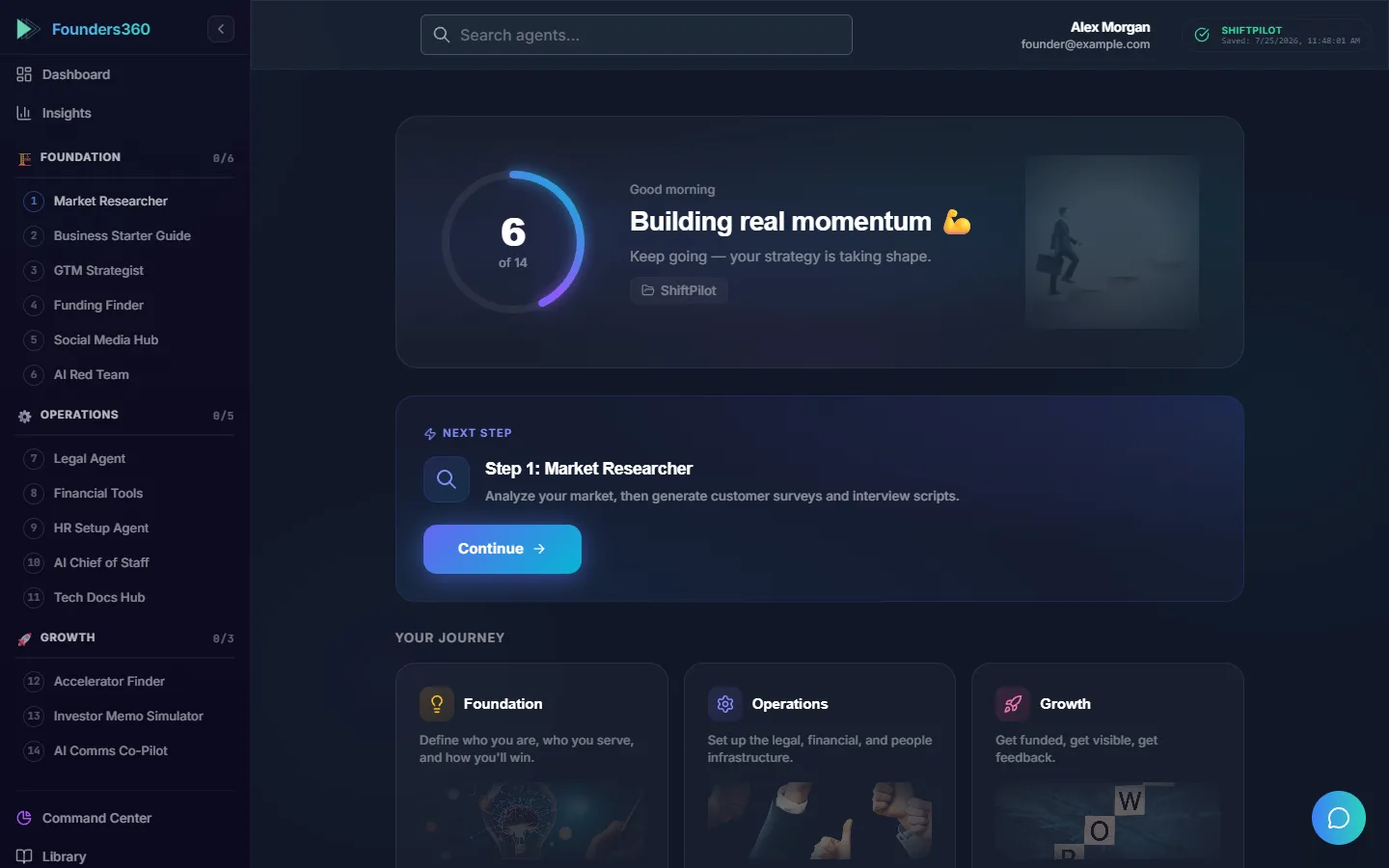
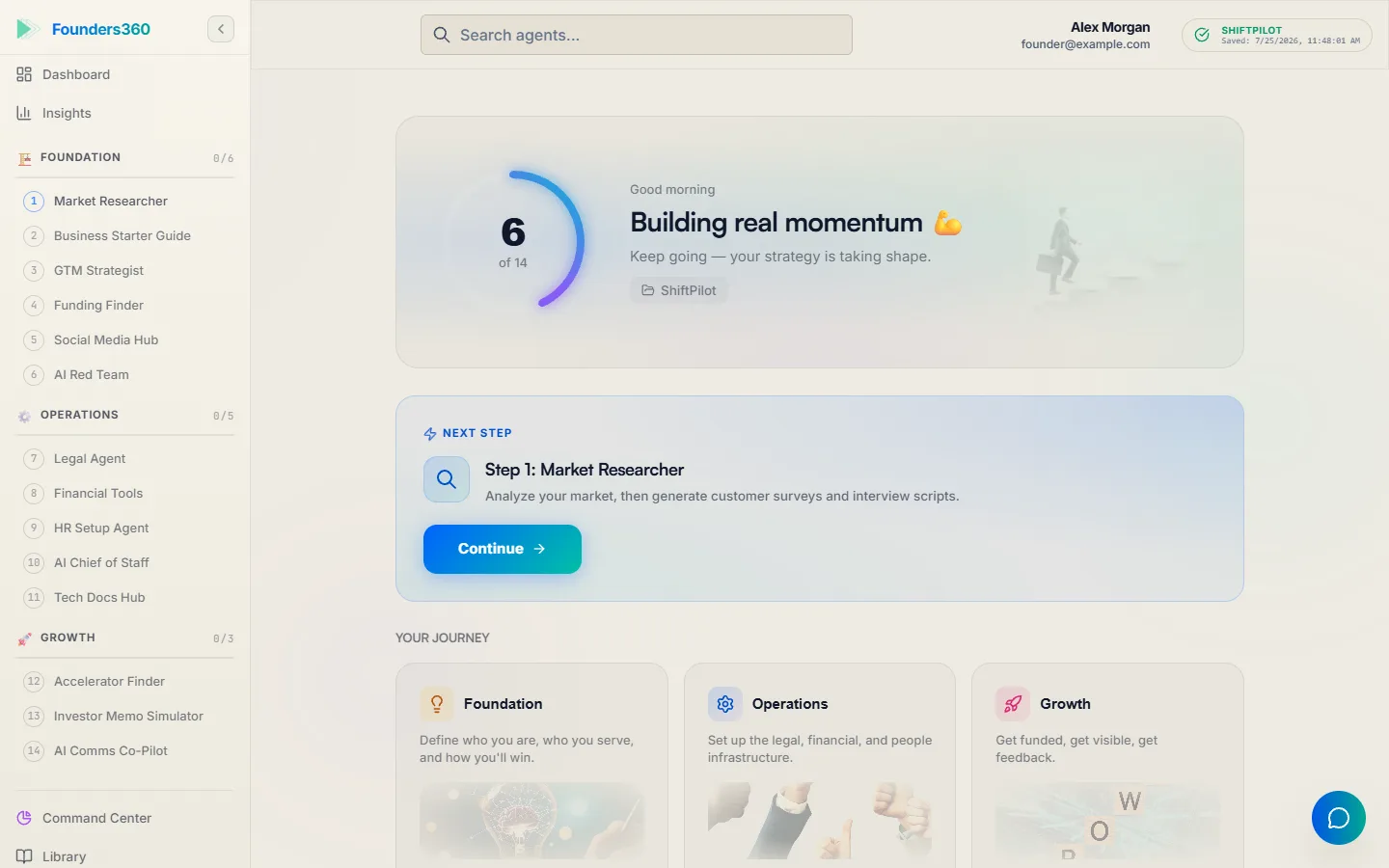
That second thing is what we built, so we will say plainly how it works and let you judge. Founders360 runs sixteen agents on one per-company memory we call Shared Context. When the Market Researcher sizes a market, it writes the total, serviceable and obtainable figures into that store; when the Funding Finder later builds a deck, it puts the number on the market-size slide without being told. The Command Center is the screen that shows what every agent has written so far, which is the check a founder can run: if a fact is on that screen, the next agent will use it. Four agents (Command Center, Market Researcher, GTM Strategist and Business Guide) are free forever, and the paid tiers are listed on the pricing page.
Whichever AI layer you buy, two engineering rules apply. Count every model call. Our fast model degenerates roughly one call in three on very heavy prompts, so every agent call has a tripwire on output size and a fallback ladder to a second model, and the ladder never sends the same prompt to the same model twice. Cap the spend before the invoice does. An organization with no explicit budget in our system gets a daily floor of 500 tool calls rather than unlimited. If you wire a model into your own product, write the test that asserts how many calls a request makes, because the bill arrives a month after the bug. We wrote up the full set of guards in our piece on controlling LLM costs in a startup.
Skip: what a solo founder should not buy in year one
Skip anything whose value comes from coordinating people. The list is longer than founders expect:
- A project management suite. Jira, Asana and Linear are excellent for teams. For one person, a text file and the weekly operating cadence do the same job with no overhead.
- A CRM. A spreadsheet is sufficient until multiple people need pipeline visibility.
- A data warehouse or BI tool. Your database plus one query file answers every question a solo founder has.
- Container orchestration. Kubernetes is an answer to a scaling problem. A git-push platform is the answer to a solo founder's problem.
- A native mobile app. Responsive web applications serve mobile users without extra codebase overhead.
- A design system. Tailwind plus one component library covers year one. The system comes when the second designer does.
- Enterprise security features. Enterprise features belong in later stages when required by paying customers.
The common thread is that each of these has a real cost beyond the subscription: setup, migration, and the habit of maintaining it. Skip them until the pain of not having one is specific and repeated. Our roundup of AI tools for startup founders covers the tools that do earn a place early.
Frequently Asked Questions
What is the minimum tech stack for a solo founder in 2026?
A familiar framework, hosted PostgreSQL, git-push hosting, payments, transactional email, error tracking, lightweight analytics, incorporation with business banking, and a central AI system with shared memory. Everything else can wait.
Should a solo founder use no-code tools?
Yes, for non-product needs such as landing pages and automations. The core product should remain in code to avoid future rewrites.
How much should a solo founder spend on tools per month?
Illustratively, solo founders run on entry tiers until revenue begins. Avoid fixed enterprise commitments without active customers.
When should a solo founder build instead of buy?
Build when the category is your core product, when vendor lock-in threatens data access, or when custom implementation is faster than vendor integration.
Does a solo founder need an AI co-pilot or just ChatGPT?
A general assistant handles writing and code well. What it does not do is remember your market size, your entity, your pricing and your customer profile across sessions and across tasks, which means you re-explain the company every time. A co-pilot with a shared memory, such as the one described on our agents page, is the difference between a tool that answers and a system that gets more useful with use.
This week: audit your stack against the three lists
Open a blank page and write three columns: build, buy, skip. Put every tool and every piece of custom code you run into one of them. Anything in the build column that a customer would not notice moves to buy. Anything in the buy column that exists to coordinate people you do not have moves to skip, and gets cancelled this week. Then check one flag: for every process you run, confirm its kill switch lives on that process, by reading it back from there.
Tags
Related Articles
How to Measure an Accelerator Program: Metrics Beyond Demo Day
Measure an accelerator program by what each company has built and proven by the end of it, and by what happens in the 24 months after, not by the applause on demo day. This guide gives program directors the metrics, the scorecard and the instrumentation.
8 min readMarket TrendsAI Tools for University Entrepreneurship Programs: A Director's Guide
The right AI tools for a university entrepreneurship program give every student team one shared company memory, not a pile of disconnected chatbots. This guide covers the three tool categories, what to require on integrity and guardrails, and how to license for a cohort.
9 min readMarket TrendsWhy Your AI Co-Founder Should Argue With You
The default failure mode of AI isn't hallucination — it's agreement. A tool that tells you the truth beats one that flatters you, and for founders the difference is measured in wasted years. Inside: an AI that grills your pitch like a VC, walks your market size down instead of up, scores its own deck 72/100, and refuses to analyze numbers it doesn't have.
4 min readReady to Build Smarter?
Join thousands of solopreneurs using AI agents to scale their businesses.
Get Started Free