
SEO for Startups: A Practical First 90 Days Plan
SEO for a new startup is mostly a sequence of small, boring jobs done in the right order. This 90-day plan follows Google's own Search Central guidance: make the site findable, pick a few real questions, write helpful pages, tidy titles and links, and measure patiently.
By Jay Kambo
SEO for a startup is the work of making your website easy for Google to find and useful for the people who land on it. You do not need a big budget or a specialist in the first 90 days. You need a clear order of jobs, and the patience to wait for results. The technical and content steps below follow Google's own published guidance.
What should a startup do first for SEO?
Start by checking that Google can find your site at all. Google says its crawlers find most pages automatically, mainly by following links from pages it already knows about. Google's SEO starter guide suggests a quick test: search for site:yourdomain.com in Google. If your pages appear, Google has found them. If nothing appears, that is your first job to fix.
Next, set up Google Search Console. Google describes Search Console as a free service that helps you monitor and troubleshoot how your site appears in Search. It shows which searches bring people to your site, which pages Google has indexed, and any problems it found. You do not need it to appear in results, but without it you are working blind.
Finally, be realistic about timing. Google notes that changes can take effect in a few hours or take several months, and that you should generally wait a few weeks before judging whether something worked. A 90-day plan is a first lap, not a finish line.
What does a 90-day SEO plan look like?
Split the 90 days into three phases of about 30 days each: foundations, content, and improvement. Each phase has a small number of jobs. Do not skip ahead, because content on a site Google cannot read is wasted effort.
- Days 1 to 30, foundations: make the site findable, set up Search Console, fix titles and page structure, and choose your target questions.
- Days 31 to 60, content: publish your first helpful pages, one at a time, and link them together.
- Days 61 to 90, improvement: read what Search Console shows, update what is weak, and decide where to put the next 90 days.
If you are also planning how to win your first customers, this fits neatly inside a wider go-to-market plan for the first 90 days. SEO is one channel in that plan, usually a slow one, so it should not be your only one.
How do you set up the technical basics in the first 30 days?
Make sure every important page can be reached, read and understood by Google. For a small site, this is a short checklist rather than a technical project.
First, confirm the pages you care about are public and not blocked. Google advises that it must be able to access the same CSS and JavaScript files a browser uses, and the URL Inspection tool in Search Console lets you see how Google renders a page. Use it on your home page and your main product page.
Second, consider submitting a sitemap. Google calls it optional, and describes it as a file listing the URLs on your site that you care about. Many website builders create one for you. For a small new site, it is a helpful nudge rather than a requirement.
Third, keep your structure logical, so that one page serves one purpose. For duplicate content, Google suggests setting up a redirect from the address you do not want to the one that best represents the information. If you have the same page at two web addresses, pick one and point the other to it.
Fourth, make sure your site works well on a phone and loads quickly enough that a visitor does not leave. Search Console will flag some problems for you.
How do you choose what to write about?
Choose questions your future customers actually type, then write one page per question.
Write down ten problems your customers have before they know your product exists. Phrase each one the way a real person would ask a friend. A bakery might note "how much does a custom wedding cake cost" and a software startup might note "how to track invoices for a small business". These are only illustrative, but the pattern holds: the best pages answer a specific question.
Then check what already exists. Search each question yourself and read the first page of results. Ask three things. What do the top pages cover? What do they miss? What can you add from your own experience that nobody else can? If you cannot add anything new, pick a different question.
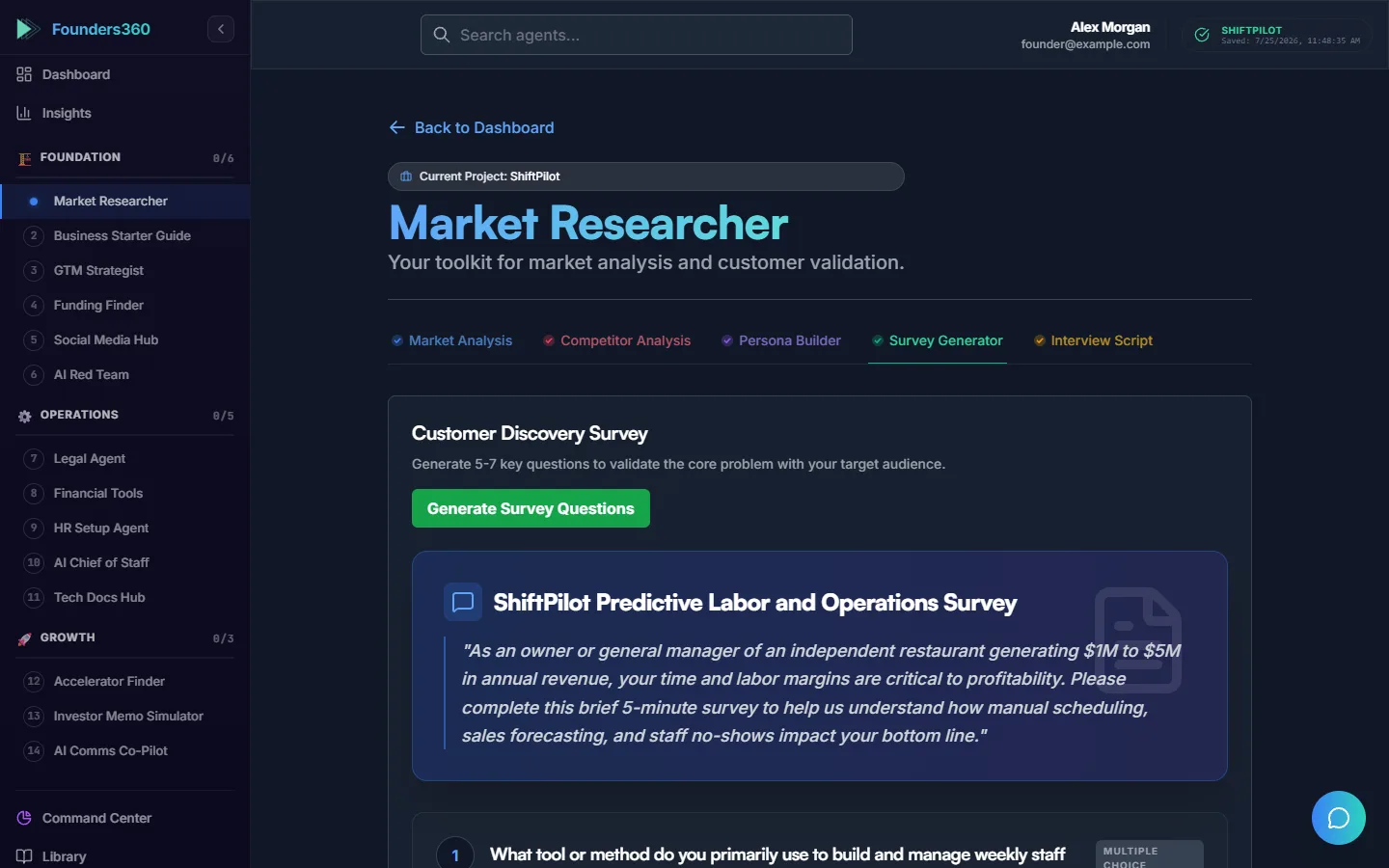
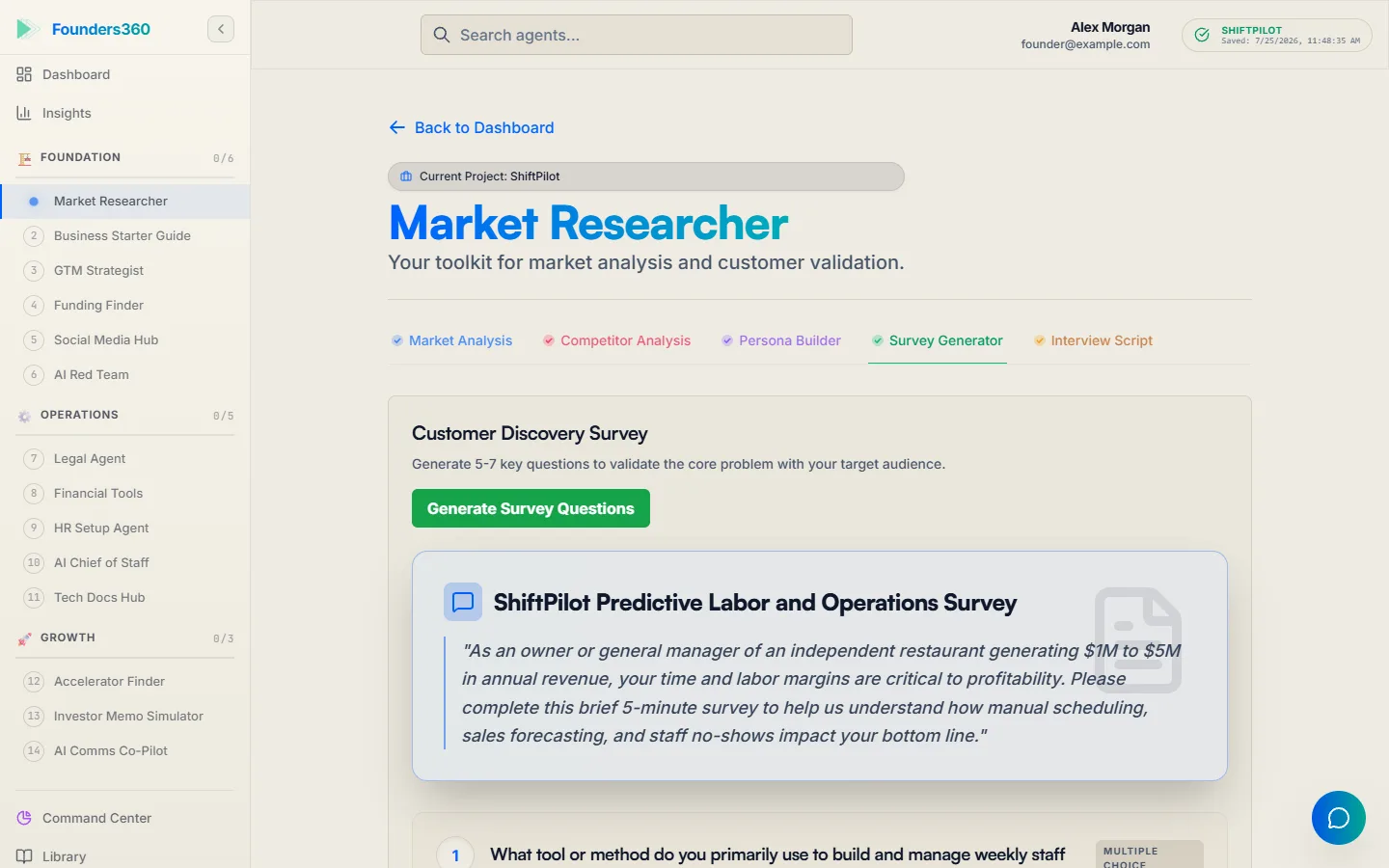
If you have not yet confirmed that people want what you are building, do that work first. Our guide to validating a startup idea with AI covers it. The Founders360 Market Researcher can also help you analyze your market, and it is worth treating its output as a starting point to check by hand.
How do you write pages Google wants to show?
Write for people first, and let search come second. Google's guidance on creating helpful, people-first content says content should be created primarily for people, not to manipulate rankings. A useful test from the same page is to ask whether visitors would value the page if they arrived directly, without searching.
Here is a simple shape for each page:
- Answer in the first paragraph. Say the answer plainly, then explain.
- Use clear headings. Write them so a visitor can scan and find their part.
- Show your experience. Google asks whether content shows first-hand expertise and a depth of knowledge. Add what you have actually done, seen or tested.
- Name the author. Google asks site owners to make clear who wrote the content and how it was made. Use a real byline and disclose automated help where readers would reasonably wonder about it.
- Add a next step. Tell the reader what to do after reading, whether that is a sign-up, a call or a related page.
Be careful with AI drafting. Google says that using generative AI to produce large amounts of text without manual oversight or curation shows little to no effort. You can use AI tools to outline and speed up drafts, but add your own knowledge, check every fact, and edit hard. Our overview of AI tools for startup founders lists options, and the guide on answer engine optimization explains how to make pages easy for AI answer tools to quote.
Do not chase word counts or stuff in keywords. Google's starter guide says Google does not use the keywords meta tag, that excessively repeating the same words is tiring for users, and that there is no magical word count target.
How should you handle titles, descriptions, links and images?
Give every page a unique, clear title and a short, honest description. Google's starter guide says a title should be unique to the page, clear and concise, and accurately describe the contents. It says a good description is short, unique to one page and includes the most relevant points, and notes that the snippet shown in results usually comes from the page content and only occasionally from the description.
For links, use descriptive words as the clickable text. Google says good link text helps people and Google understand what the linked page is about. "Our guide to pricing a service" is better than "click here". Link your new pages to each other where it helps the reader, and make sure every page is reachable from your main menu or from another page.
For images, use sharp, clear pictures placed near the text they relate to, and write short, descriptive alt text. Alt text helps people who use screen readers, and it tells Google what the image shows.
When should a startup publish, and how often?
Publish a small number of strong pages on a steady rhythm, rather than many weak pages at once. In days 31 to 60, a sensible illustrative target for a small team is one solid page every week or two. Pick a pace you can keep for a year, not a month.
Start with the pages closest to a sale. These are usually pages that explain what you do, who it is for, how it compares, and what it costs, plus answers to the questions buyers ask before they commit. Then add broader educational pages that bring in people earlier in their search.
Also consider sharing what you learn as you go. Our guide to a build in public strategy shows how posting your progress can bring in links and readers that help your site get noticed.
Avoid the shortcuts. Google lists warning signs of search-first content, including pages made mainly to attract search traffic and changing a page date to look fresh without really updating it. Those habits can hurt you.
How do you measure SEO progress in 90 days?
Check Search Console every week, but make decisions only once a month. Google says Search Console shows how often your site appears in results, which searches show it, and how often people click. Those are the numbers to follow.
In the first month, look for indexing: are your pages listed, and are there any errors? In the second month, look at impressions, which count how often your pages appeared in results. Rising impressions show Google is starting to test your pages. In the third month, look at clicks and at which searches bring them.
Then act on what you see:
- Page shows often but gets few clicks: improve the title and description so they match what the searcher wanted.
- Page gets clicks but visitors leave: the page may not answer the question quickly enough, so move the answer higher.
- Page does not appear at all: use the URL Inspection tool to check it was indexed, and ask for indexing if it was not.
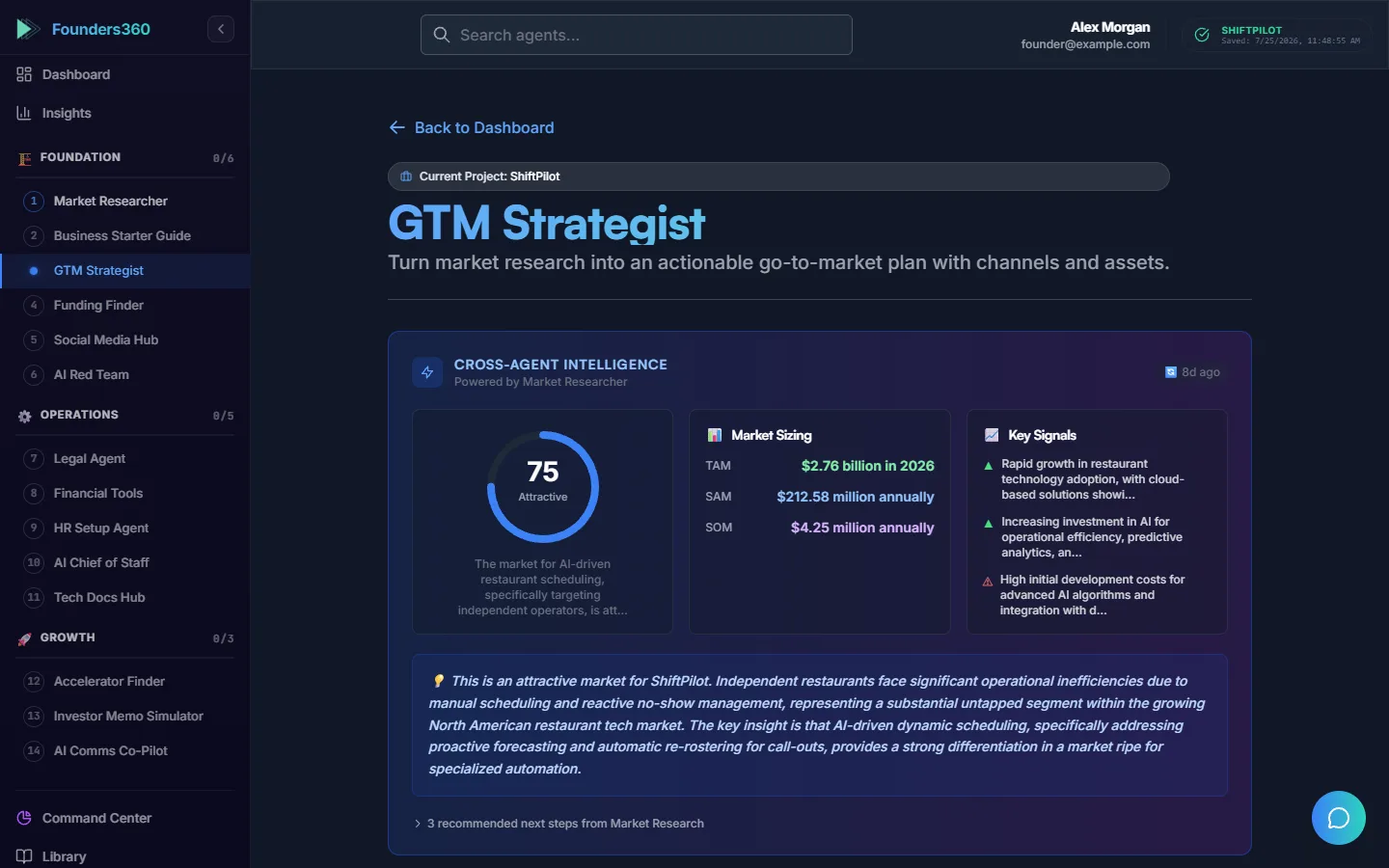
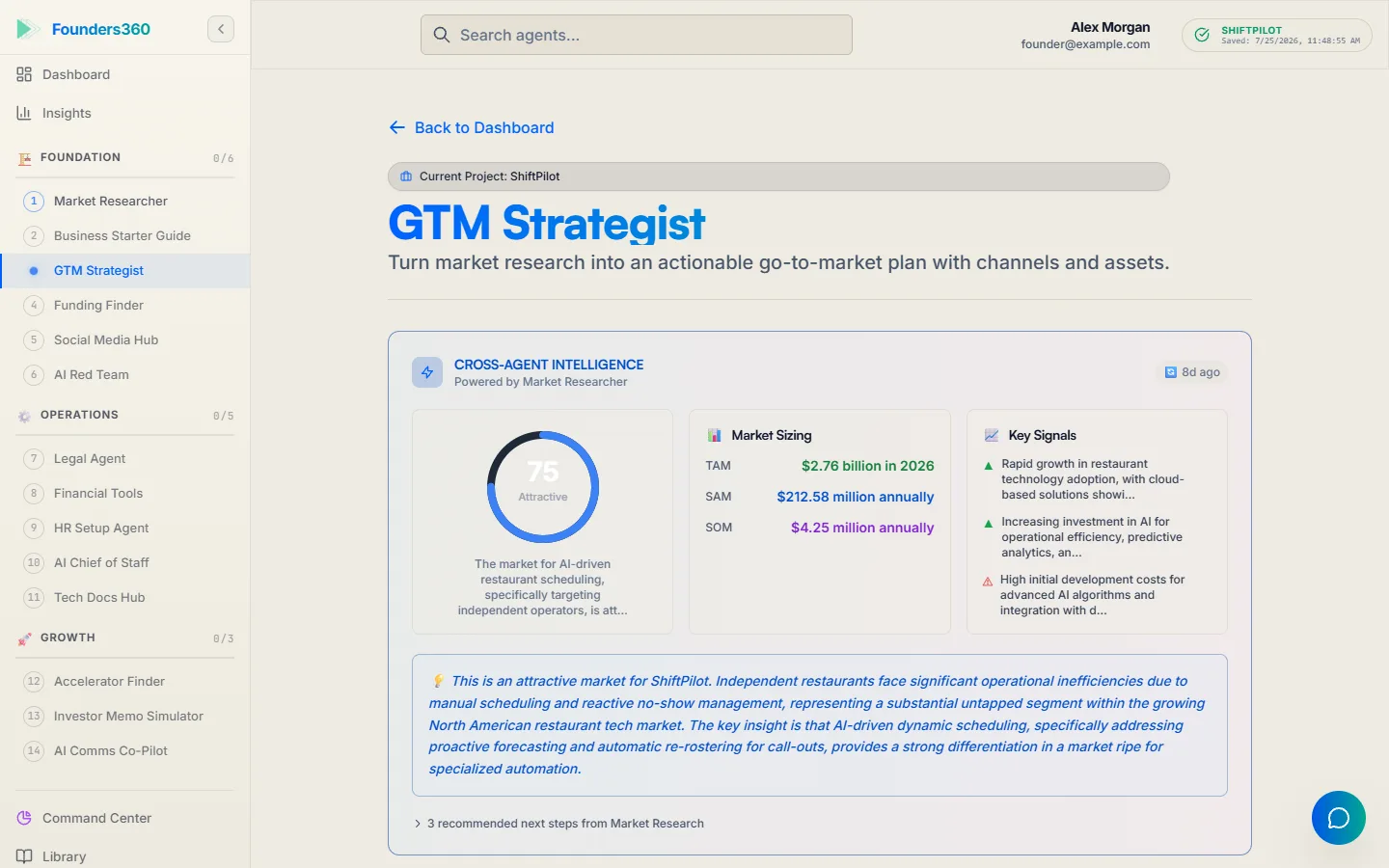
Keep a simple log of what you changed and when. Because results can take weeks, a dated log stops you from guessing which change made a difference. The Founders360 GTM Strategist can help you build a go-to-market plan that places SEO next to your other channels, and your own log tells you whether it is earning its time.
Frequently Asked Questions
How long does SEO take to work for a new website?
It can take anywhere from a few hours to several months to see the effect of a change. Google itself says changes can take effect in a few hours or take several months, and recommends waiting a few weeks before judging results. Plan on a full quarter before you read much into the numbers.
Do I need to pay for SEO tools or an agency?
No, you can start with free tools. Google Search Console is free and shows how your site performs in Google Search. Paid tools and agencies can help later, but the first 90 days are mostly about clear pages, good titles and steady publishing, which you can do yourself.
Is a sitemap required?
No. Google describes sitemap submission as optional. A sitemap lists the pages you care about and can help Google find them, so it is a sensible small step for a new site, but your pages can be found without one if other pages link to them.
Can I use AI to write my SEO content?
You can use it as a drafting aid, but do not publish raw output. Google says producing large amounts of AI text without manual oversight or curation shows little to no effort, and it asks site owners to be clear about who wrote content and how it was made. Add your own experience, check facts and edit carefully.
Do keywords in the meta keywords tag help?
No. Google's starter guide says Google does not use the keywords meta tag. Spend that time on a clear title, a helpful page and honest descriptions instead.
Tags
Related Articles
Email Marketing for Startups: Your First 1,000 Subscribers
A startup can reach its first 1,000 email subscribers by offering one useful thing, asking for permission clearly, and sending something worth opening. This guide covers where subscribers come from, what to send, and the CAN-SPAM, CASL and UK PECR consent basics.
9 min readGrowthStartup KPIs to Track at the Early Stage (and the Ones to Ignore)
An early-stage startup should track one main metric that shows the value it delivers, plus three to five supporting numbers such as revenue, customers, churn, cash runway and the cost of winning a customer. This guide explains each one, how to calculate it, and which numbers to ignore for now.
9 min readGrowthHow to Measure Product-Market Fit: Signals, Surveys and Metrics
To measure product market fit, combine one survey (the share of users who would be very disappointed to lose your product) with a retention curve that flattens and organic growth you did not pay for. This guide shows each signal and a one-month scorecard.
7 min readReady to Build Smarter?
Join thousands of solopreneurs using AI agents to scale their businesses.
Get Started Free